LoopFlow: A Video Looper for Practicing Choreography
I built a video looper to slow down, mirror, and repeat choreography while I practice.
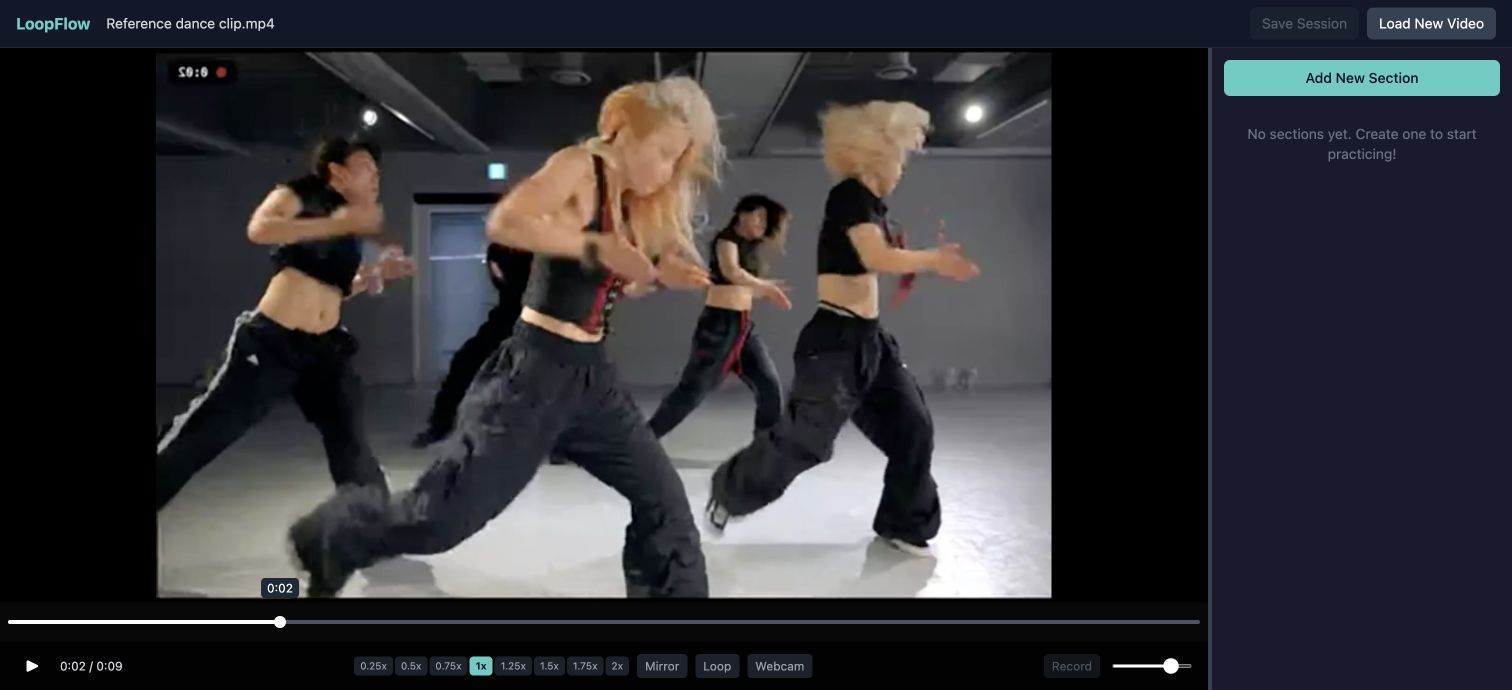
I built LoopFlow to spend less time rewinding and more time practicing. When I’m learning choreography, I often need the same few seconds over and over. Dragging the playhead back after every attempt interrupts that rhythm.
With LoopFlow, I can mark a section, adjust the speed, and let it repeat—with a countdown that gives me time to get back into position.
From a video to a practice session
I can start with a YouTube link or a video file from my laptop. Once it loads, I mark the beginning and end of a phrase on the timeline, then give it a name and a color. Those sections appear in a sidebar, so I can move between the parts I want to work on.
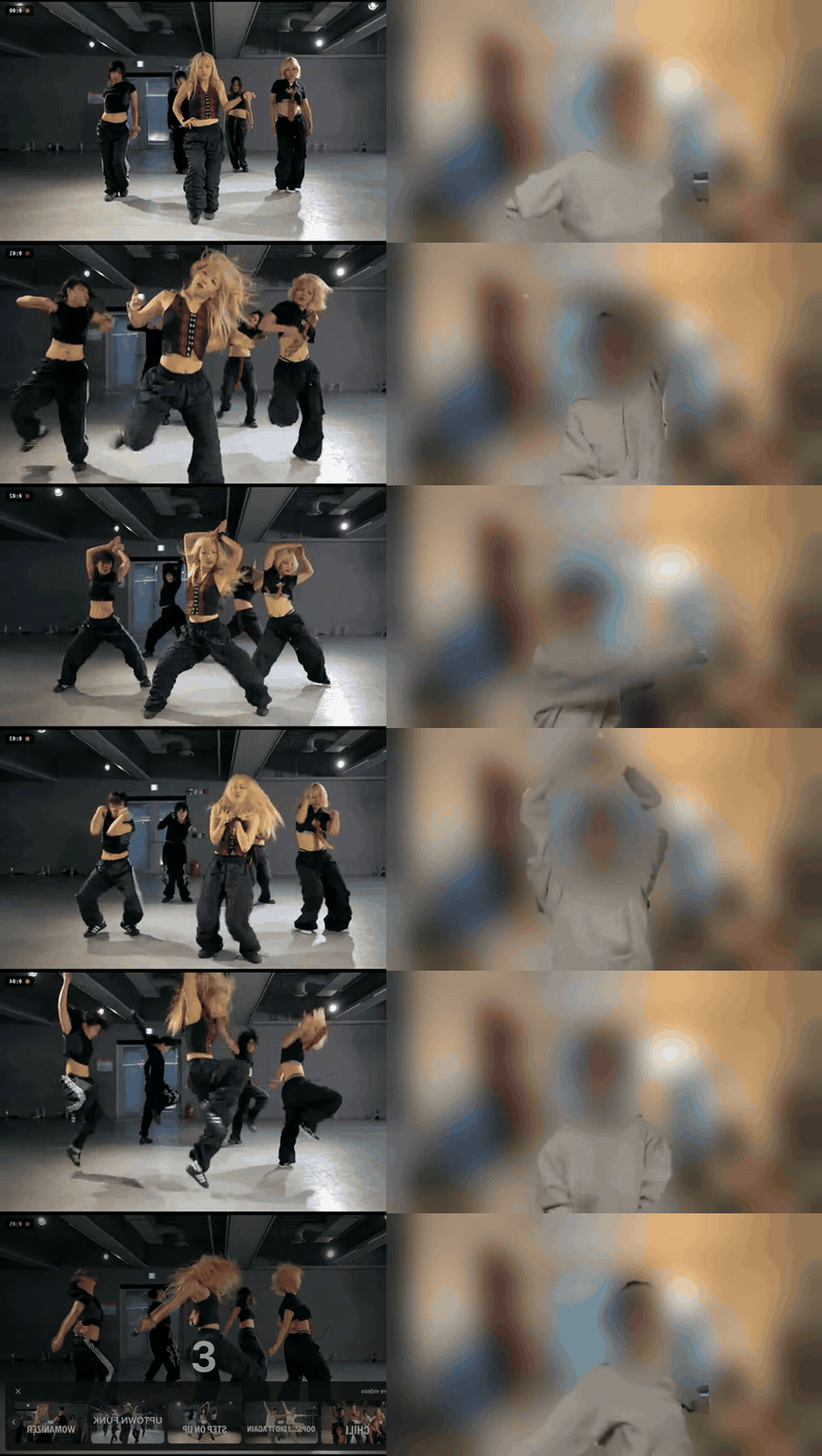
A recording from when I was developing LoopFlow: the reference video beside my own practice. I’ve blurred faces and the room while keeping the movement visible.
To make a practice section, click Add New Section, then click the timeline to set its start and end. Turn on looping and choose a comfortable playback speed.
The controls I wanted
- Playback speed to work through a phrase slowly before returning to full speed.
- Mirror mode to change the orientation without mentally reversing every movement.
- Section looping to repeat the part I’m working on.
- A countdown to leave time between attempts.
- Keyboard shortcuts for frequently used controls.
- Session export and import to save the sections and settings for a YouTube video.
The countdown makes a particular difference. If a phrase ends with my weight on the wrong foot for the next attempt, an immediate restart is too soon. A short pause lets me reset.
I also wanted section names instead of a list of timestamps. “Chorus” or “transition” tells me more at a glance than a start time, especially when I return to a video later.
YouTube sessions can be exported as JSON and loaded again. Local videos stay in the browser session; they don’t travel with an exported YouTube session.
Building one interface for two players
LoopFlow uses React, TypeScript, Vite, and Tailwind. YouTube embeds and local video elements have different APIs, so I put an adapter between each player and the controls. The interface can use the same play, pause, seek, and speed operations for either source.
A session context managed by a reducer tracks the video, sections, and playback settings. Imported session files are validated, and out-of-range values are clamped before reaching the player.
I kept the scope to the parts of practice I wanted help with: choosing a phrase, repeating it, and getting ready for the next attempt. There are no accounts or social features. I still have to learn the movement; LoopFlow saves me from resetting the video each time.